 Orlando Quero
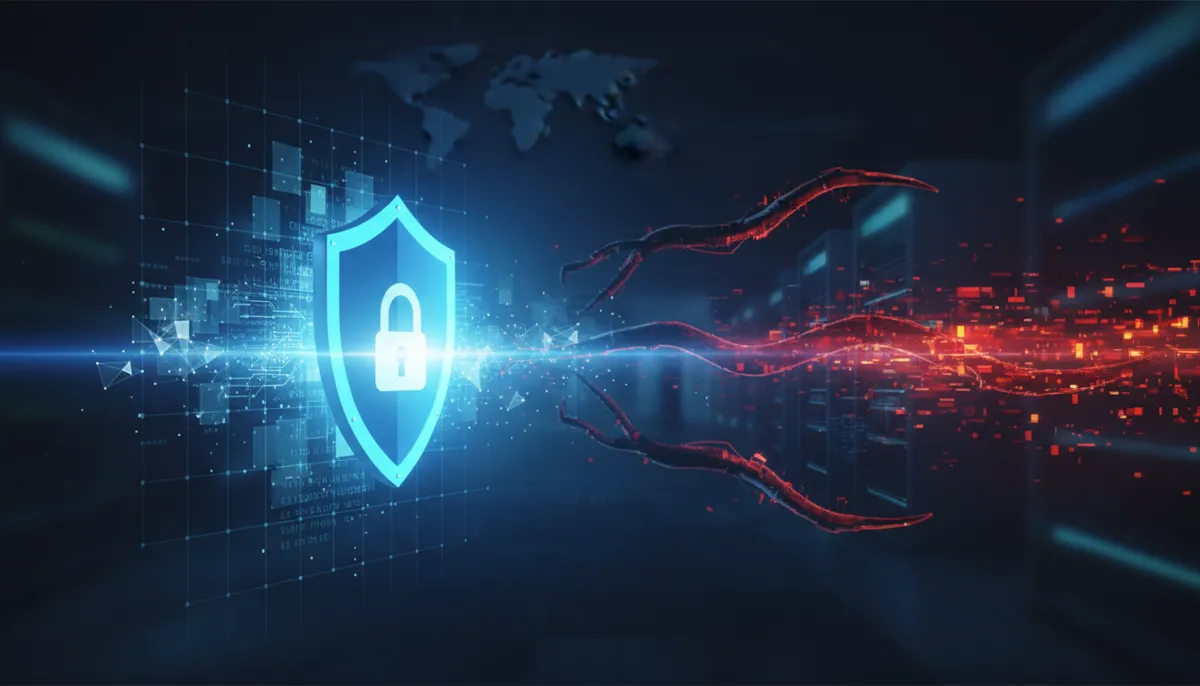
The Ransomware Reality
Ransomware attacks are at an all-time high. In 2024, businesses in Florida are being targeted at increasing rates:
- Manufacturing companies in Doral and Miami-Dade
- Medical practices in Fort Lauderdale and Miami Beach
- Law firms in downtown Miami
- Hospitality and tourism businesses throughout South Florida
- Real estate companies managing multiple properties
Ransomware isn’t a “maybe someday” threat — it’s a “when, not if” scenario for many businesses.
How Ransomware Attacks Work
Stage 1: Initial Compromise (Days 1-2) Attackers gain entry through:
- Phishing emails with malicious links/attachments
- Exploiting unpatched vulnerabilities
- Compromised credentials (sold on dark web)
- Vulnerable VPN or RDP access
- Supply chain compromise
Stage 2: Reconnaissance (Days 2-7) Attackers explore your network:
- Map network topology and connected systems
- Identify valuable data and backups
- Look for admin credentials
- Assess your response capabilities
- Locate database and file servers
Stage 3: Lateral Movement (Days 7-30) Attackers move through your network:
- Escalate privileges to admin level
- Disable antivirus and endpoint protection
- Delete or encrypt backups
- Exfiltrate sensitive data for extortion
- Prepare for encryption deployment
Stage 4: Encryption & Extortion (Day 30+) The actual attack happens:
- Ransomware deployed across network
- All accessible files encrypted
- Ransom note displayed with payment demand
- Attackers threaten to sell stolen data
- Countdown timer adds pressure to pay
Why Traditional Defenses Fail
Belief: “We have a good firewall and antivirus” Reality: Most ransomware bypasses these through phishing or exploits.
Belief: “Our password policy is strong” Reality: Credentials are stolen constantly from breached sites and dark web.
Belief: “We have backups” Reality: Sophisticated ransomware specifically seeks and destroys backups.
Belief: “Our employees won’t click malicious links” Reality: Even security-trained users fall for phishing (50%+ click rates on convincing emails).
Belief: “We’ll pay the ransom and get our data” Reality: No guarantee criminals will provide decryption key; data may already be sold.
The Multi-Layer Ransomware Defense
Effective ransomware protection requires multiple overlapping defenses. If one layer fails, others catch the attack.
Layer 1: Prevention (Block the Attack)
Email Security
- Advanced phishing detection
- Link analysis and sandboxing
- Attachment analysis
- User training on email threats
Endpoint Protection
- Modern antivirus with behavioral analysis
- Exploit protection and vulnerability patching
- USB and external drive controls
- Application whitelisting for critical servers
Vulnerability Management
- Monthly patching schedule
- Inventory of all applications
- Timely security updates
- Asset management system
Network Segmentation
- Isolate critical systems (databases, finance)
- Guest and IoT networks separate
- Restrict lateral movement capability
- Air-gap sensitive systems if possible
Layer 2: Detection (Find the Attack)
Monitoring & Alerting
- SIEM (Security Information & Event Management)
- Endpoint Detection & Response (EDR)
- Network behavior analysis
- File integrity monitoring
What We’re Looking For:
- Unusual file creation (encrypted file extensions)
- Massive file deletion
- Admin account access from unusual locations
- Credential usage from external IPs
- Unusual network traffic patterns
24/7 Monitoring Attackers work nights and weekends. Your monitoring must be continuous.
Layer 3: Response (Stop the Spread)
Incident Response Plan
- Documented procedures for breach response
- Designated incident response team
- Communication plan (who alerts whom)
- Reporting requirements (legal, law enforcement)
- Recovery procedures
Network Isolation Capability
- Ability to quickly disconnect infected systems
- VLAN isolation procedures
- VPN kill switch for remote workers
- Emergency communication plan
Forensics Capability
- Preserve evidence of compromise
- Identify attack vector
- Determine what data was accessed
- Support law enforcement investigation
Layer 4: Recovery (Get Data Back)
Proper Backup Strategy The 3-2-1 Rule:
- 3 copies of important data
- 2 different media types (NAS + cloud, or disk + tape)
- 1 offsite backup (in different location)
Backup Requirements:
- Immutable: Can’t be modified or deleted (even with compromised credentials)
- Offline: Not connected to network (ransomware can’t encrypt it)
- Tested: Regularly restore from backups to verify they work
- Frequent: Daily or continuous backup
- Versioning: Multiple restore points so you can go back before encryption
Recovery Time Objective (RTO) How long can your business be down?
- Critical systems: 4-24 hours maximum
- Important systems: 1-2 days
- Non-critical: 1 week
Plan and test recovery accordingly.
Real-World Ransomware Scenarios in Miami
Scenario 1: Medical Practice in Miami
The Attack:
- Employee clicks phishing email
- Credential stealer downloads admin password
- Attacker accesses VPN remotely
- Patient records encrypted, backups destroyed
- Extortion demand: $500,000
Defense That Worked:
- Immediate network isolation (EDR detected suspicious activity)
- VPN access immediately disabled
- Emergency switch to paper records
- Restored from offline, versioned backup (took 6 hours)
- Notified patients, reported to law enforcement
- Insurance covered forensics and backup recovery
Lessons Learned:
- Detection matter (14 minutes from compromise to detection)
- Good backups enable recovery without payment
- Incident response plan enabled quick decision-making
Scenario 2: Real Estate Office in Fort Lauderdale
The Attack:
- Supply chain compromise (email provider for their industry)
- All email credentials compromised
- Attacker accesses their systems
- Files encrypted, demanding $250,000
- Client contracts inaccessible
Defense That Failed:
- No network segmentation (attacker accessed all systems)
- Email backup only (no backup of file server)
- No incident response plan (confusion about next steps)
- Decision to pay ransom (no guarantee)
Recovery:
- Manually rebuilt systems from cloud storage and email archives
- 3 days of operational disruption
- Client contracts recoverable but tedious process
- Ransom paid but decryption key provided (lucky)
Lessons Learned:
- Network segmentation stops lateral movement
- Multiple backup types ensure recovery
- Incident response plan enables faster recovery
- Paying ransom is gamble, not guarantee
The Business Case for Ransomware Protection
Cost of Protection (per month):
- Advanced email security: $200-$500
- EDR/Endpoint protection: $100-$300 per computer
- SIEM/monitoring: $500-$2,000
- Immutable backup: $200-$1,000
- Incident response team: $500-$2,000
- Total: $2,500-$6,300 per month
Average Cost of Ransomware Attack:
- Ransom paid: $100,000-$5,000,000
- Operational downtime: $10,000-$250,000+ per day
- Recovery and restoration: $100,000-$1,000,000+
- Legal, forensics, notification: $50,000-$500,000
- Total: $300,000-$2,000,000+
ROI of Protection: One prevented attack pays for protection for 3+ years.
Ransomware Protection Checklist
Immediate Actions (This Week):
- Audit backup strategy — verify offline, immutable backups exist
- Test backup recovery — restore a sample file to verify
- Implement MFA on all admin accounts and critical apps
- Verify email security includes phishing detection
- Create incident response plan with contact list
Short-Term (This Month):
- Deploy EDR on all computers
- Inventory all applications and patch vulnerabilities
- Implement network segmentation for critical systems
- Conduct security awareness training for all staff
- Enable logging on all systems
Medium-Term (This Quarter):
- Deploy SIEM or managed monitoring service
- Implement advanced firewall with threat intelligence
- Conduct simulated phishing test
- Refine incident response plan based on tests
- Establish disaster recovery site or cloud failover
Ongoing:
- Monthly patching of all systems
- Quarterly backup recovery testing
- Semi-annual penetration testing
- Annual compliance audit
- Continuous monitoring and threat hunting
When (Not If) an Attack Happens
First 60 Minutes:
- Identify: Which systems are affected?
- Isolate: Disconnect infected systems immediately
- Preserve: Don’t shut down systems (preserve forensic evidence)
- Notify: Contact incident response team, law enforcement, legal counsel
- Assess: What systems are encrypted? What data is affected?
First 24 Hours:
- Contain lateral movement (isolate network segments)
- Determine attack entry point
- Assess backup integrity
- Begin forensic investigation
- Communicate with stakeholders (employees, customers, insurance)
Days 2-7:
- Complete forensic analysis
- Identify all compromised systems
- Recover from backups if available
- Rebuild compromised systems
- Implement additional security controls
Do NOT:
- Pay ransom without consulting law enforcement
- Communicate with attackers
- Restore from backups before forensic analysis
- Negotiate directly (use professional negotiators)
- Delay reporting to law enforcement
BinCrafters Ransomware Protection Services
We help South Florida businesses:
- Assessment: Identify ransomware vulnerabilities
- Prevention: Deploy email security, EDR, and network segmentation
- Detection: Implement SIEM and 24/7 monitoring
- Recovery: Design immutable, offline backup strategy
- Response: Develop incident response plan and conduct tabletop exercises
- Training: Educate staff on ransomware threats and proper behavior
Next Steps
Ransomware protection isn’t a project with an end date — it’s an ongoing security posture that evolves with threats.
Start here:
- Verify your backup strategy includes offline, immutable copies
- Test backup recovery to confirm it works
- Ensure all admin accounts have MFA
- Implement modern email security
- Deploy EDR on critical computers
Then build from there with monitoring, segmentation, and incident response planning.
Contact us for a ransomware risk assessment and let’s build a protection strategy specific to your business.
The best time to prepare for ransomware was yesterday. The second-best time is today. Don’t wait for “it won’t happen to us.”